Smart technology has changed the way we manage many parts of our homes.
From heating and lighting to security cameras and doorbells, connected devices allow homeowners to check information, receive notifications and manage devices using a smartphone.
Home fire and carbon monoxide protection can benefit from the same approach.
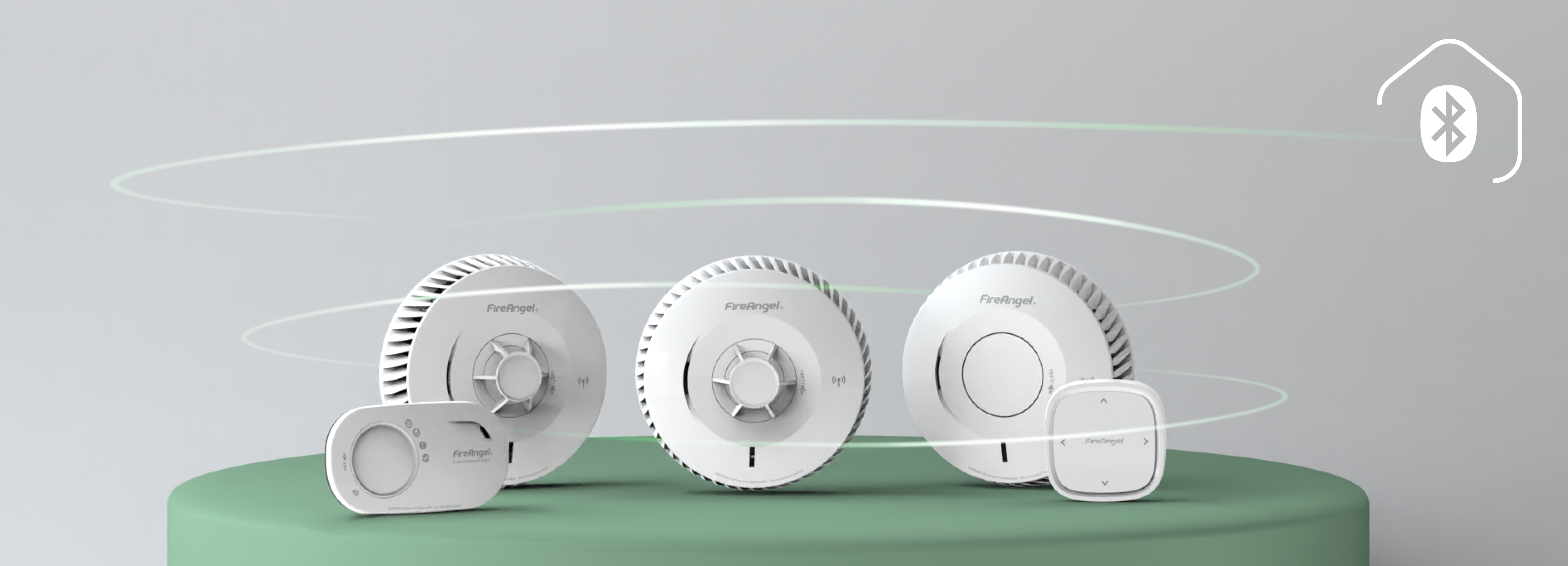
FireAngel One combines interlinked Smart BLE alarms with app integration through the Angel Connect app, providing homeowners with greater visibility of their alarm network from their phone.
One connected system, easier to manage
FireAngel One is designed around the idea of one unified system. Compatible smoke, heat and carbon monoxide alarms can be interlinked, creating a network that works together across the home.
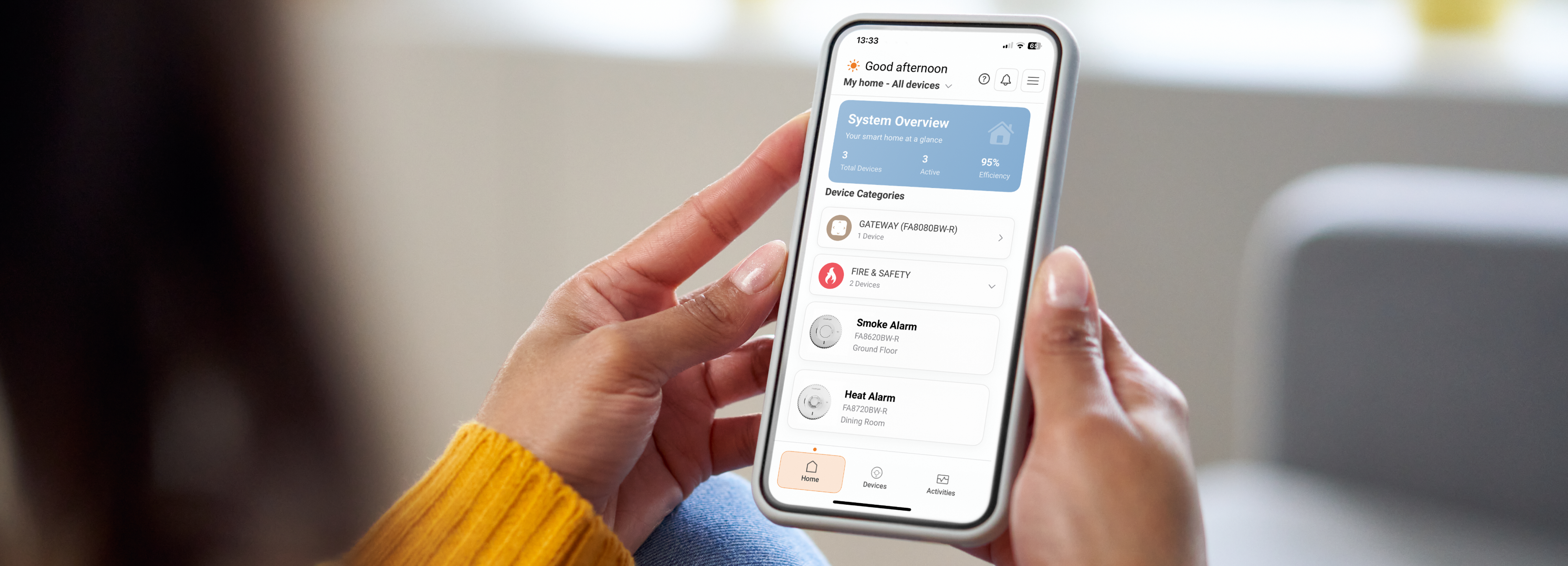
The Angel Connect app adds another level of visibility, making it easier to keep track of your connected alarms. Rather than having to physically check each alarm, homeowners can use the app to view the status of their connected devices from one dashboard.
For added peace of mind when you’re away from home, you can add the FireAngel One Smart Gateway to your network. The Gateway enables remote monitoring through the Angel Connect app, allowing you to receive alerts and check the status of your connected alarms even when you’re not at home.
Depending on the connected setup, the app provides access to useful information and functions including:
- Real-time battery levels, making it easier to identify when an alarm may need attention.
- Remote mutingthis functionality can be extended beyond the home.
- Quiet testing, providing a convenient way to test devices without the need for the same level of disruption as a traditional alarm test.
- Event history, providing a record of alerts, errors and tests.
- End-of-life reminders and alerts, helping homeowners keep track of when devices need replacing.
- Diagnostics and reports, providing a detailed overview of devices and their current status.
Know the status of your system
One of the practical benefits of app-connected protection is visibility.
The Angel Connect dashboard provides an overview of the alarm network, with status screens showing device categories, readings and alerts. This means homeowners can quickly check whether their connected devices are operating as expected and identify anything that requires attention.
The app can also provide diagnostic information and downloadable reports. These records can be useful for keeping track of devices within a property and can provide supporting information if technical assistance is ever required.
For landlords, property managers or homeowners maintaining records, having this information available digitally can also make it easier to keep a record of the alarm system and its status.
Getting connected
To connect FireAngel One devices using the app, download the Angel Connect app for iOS or Android and create an account. From the app homepage, select ‘Add device’ and choose whether you are adding a Gateway or a standalone device.
When prompted, press the Test button three times on the relevant device. The app will then connect to the alarm and guide you through the setup process. Wait for the confirmation message before leaving the setup screen.
Once connected, your devices can be managed through the app according to the capabilities of your FireAngel One system.
Protection you can see and manage
Smart technology isn’t simply about adding more devices to the home. The benefit comes from making those devices easier to understand and manage.
By combining interlinked alarms, app connectivity and a single dashboard, FireAngel One provides homeowners with a clearer view of their fire and carbon monoxide protection – helping them stay informed about the status of their system without having to check every device individually.
Discover the FireAngel One Smart BLE range and see how connected technology can make managing your home protection simpler.


